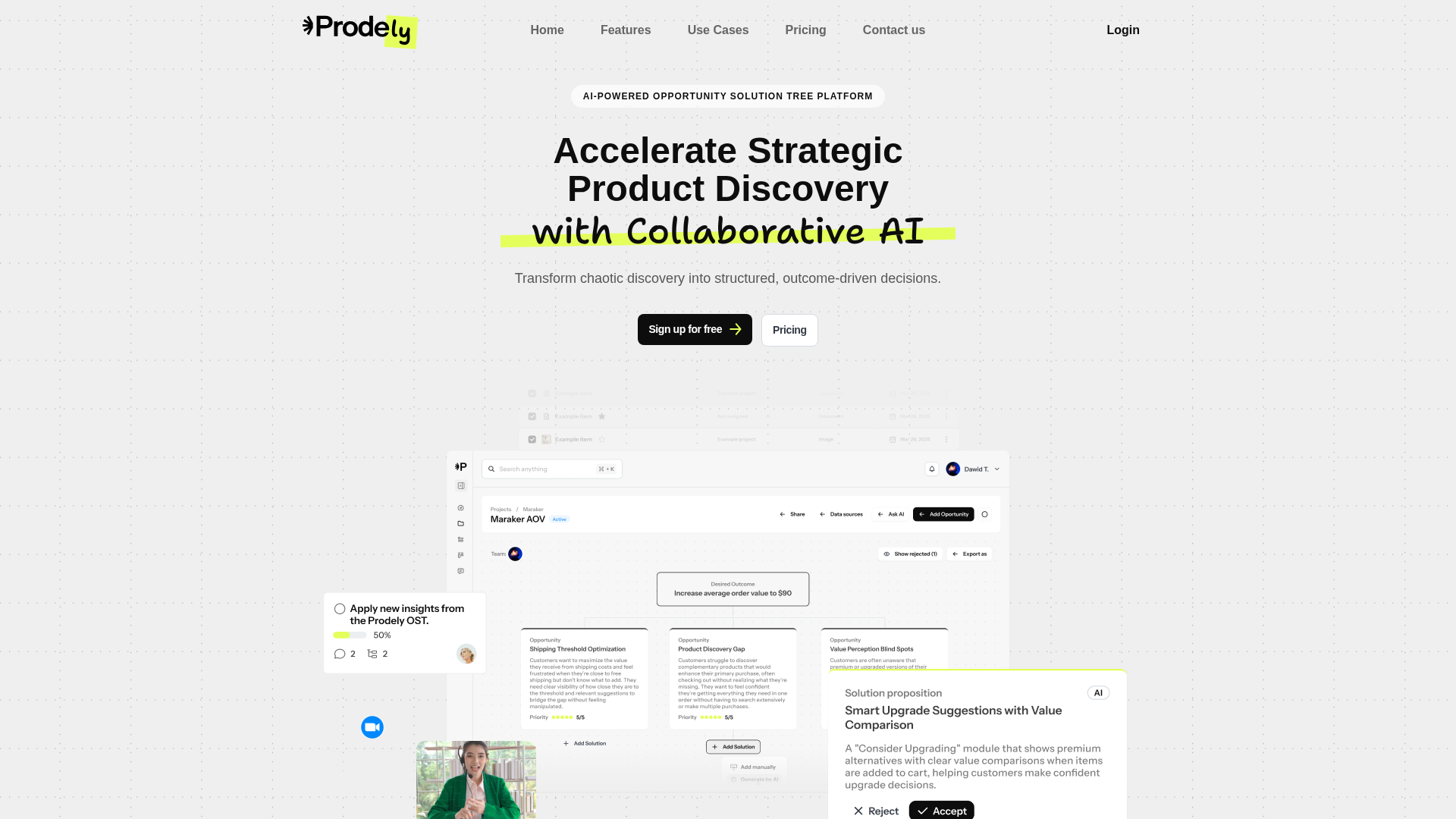
<p>SaaSFlow is an intuitive cloud-based productivity platform designed to streamline project management and team collaboration. It empowers businesses of all sizes to organize tasks, track progress, and communicate effectively, ensuring projects are delivered on time and within budget.</p><p>Ideal for small to medium-sized businesses, startups, and remote teams seeking an all-in-one solution for enhanced operational efficiency and seamless workflow management.</p><h2>Key Features</h2><ul><li>Interactive Project Dashboards for real-time progress visualization</li><li>Task Management with customizable workflows and deadlines</li><li>Integrated Team Communication and File Sharing</li><li>Time Tracking and Reporting for accurate resource allocation</li><li>Automated Notifications and Reminders to keep everyone informed</li></ul><h2>Use Cases</h2><p>SaaSFlow is invaluable for marketing agencies managing multiple client campaigns, allowing them to assign tasks, share creative assets, and track campaign performance from a centralized hub. It eliminates the need for disparate tools, reducing communication overhead and improving client satisfaction.</p><p>Software development teams can leverage SaaSFlow to manage sprints, track bug reports, and collaborate on code reviews. Its robust task management features ensure that development cycles are efficient, and project milestones are met consistently. Remote teams benefit immensely from its integrated communication tools, fostering a connected work environment regardless of geographical location.</p><h2>Pricing Information</h2><p>SaaSFlow offers a flexible freemium model, providing essential features for small teams at no cost. Paid plans include advanced functionalities like unlimited projects, priority support, and enhanced reporting, available through monthly or annual subscriptions. A 14-day free trial is available for all premium tiers, allowing users to experience the full suite of features risk-free.</p><h2>User Experience and Support</h2><p>The platform boasts a clean, intuitive user interface designed for ease of navigation and quick adoption. Comprehensive documentation, video tutorials, and an extensive knowledge base are readily available to assist users. Dedicated customer support is provided via email and live chat for all paid subscribers, ensuring prompt assistance and a smooth user journey.</p><h2>Technical Details</h2><p>Built with modern web technologies, SaaSFlow utilizes a robust cloud infrastructure for scalability and reliability. It's designed to be highly secure, with data encryption and regular backups to protect user information. The API-first approach allows for seamless integration with other business tools.</p><h2>Pros and Cons</h2><h3>Pros:</h3><ul><li>All-in-one solution for project management and collaboration</li><li>Intuitive interface with minimal learning curve</li><li>Scalable for teams of various sizes</li><li>Excellent customer support and resources</li><li>Freemium model allows for risk-free evaluation</li></ul><h3>Cons:</h3><ul><li>Advanced customization might require some initial setup</li><li>Free tier has limited features for larger teams</li><li>Integration options, while growing, may not cover all niche tools</li></ul><h2>Conclusion</h2><p>SaaSFlow offers a powerful yet user-friendly platform to boost productivity and streamline team workflows. Its comprehensive features and flexible pricing make it an excellent choice for businesses aiming to achieve project success. Explore SaaSFlow today and transform your team's efficiency!</p>
Comments
Publisher
Launch Date2026-06-20
Platformweb
Pricingfreemium
Tech Stack
#web
Sponsors

SaasHunt
Push your saas project to the world. Discover and support indie products. Submit, Earn a Badge & High DR Backlink.
Become a Sponsor
Get your brand featured here
Outbid
View🥇 🥈
🥈 🥉
🥉
Want this spot? Pay what you wantSubmit Your Startup to 100+ Directories | Submitator
Automated startup directory submission service. Get listed on Product Hunt, BetaList, Indie Hackers & 100+ directories for SEO backlinks and DR boost. From $29.
$40
Boost Your Domain Rating — DoFollow Backlinks (DR 30–70) from $30
Raise your Ahrefs Domain Rating with 5 - 50 dofollow backlinks from DR 30–60 sites — from $50, guaranteed to improve your DR or your money back.
$35
DirEasy - The Best Directory Boilerplate with AI | DirEasy
The best directory boilerplate, packed with AI, Listings, Payment, Submission, CMS, Blog, Authentication, Newsletter, SEO and more.
$30